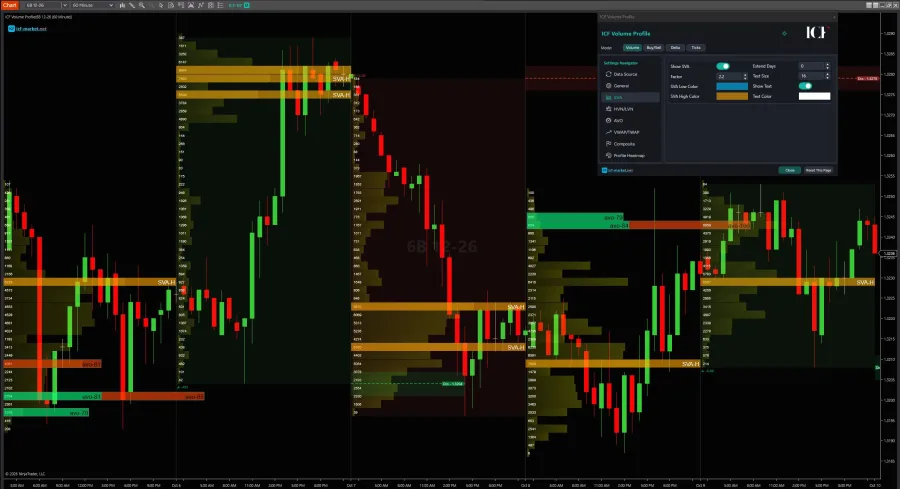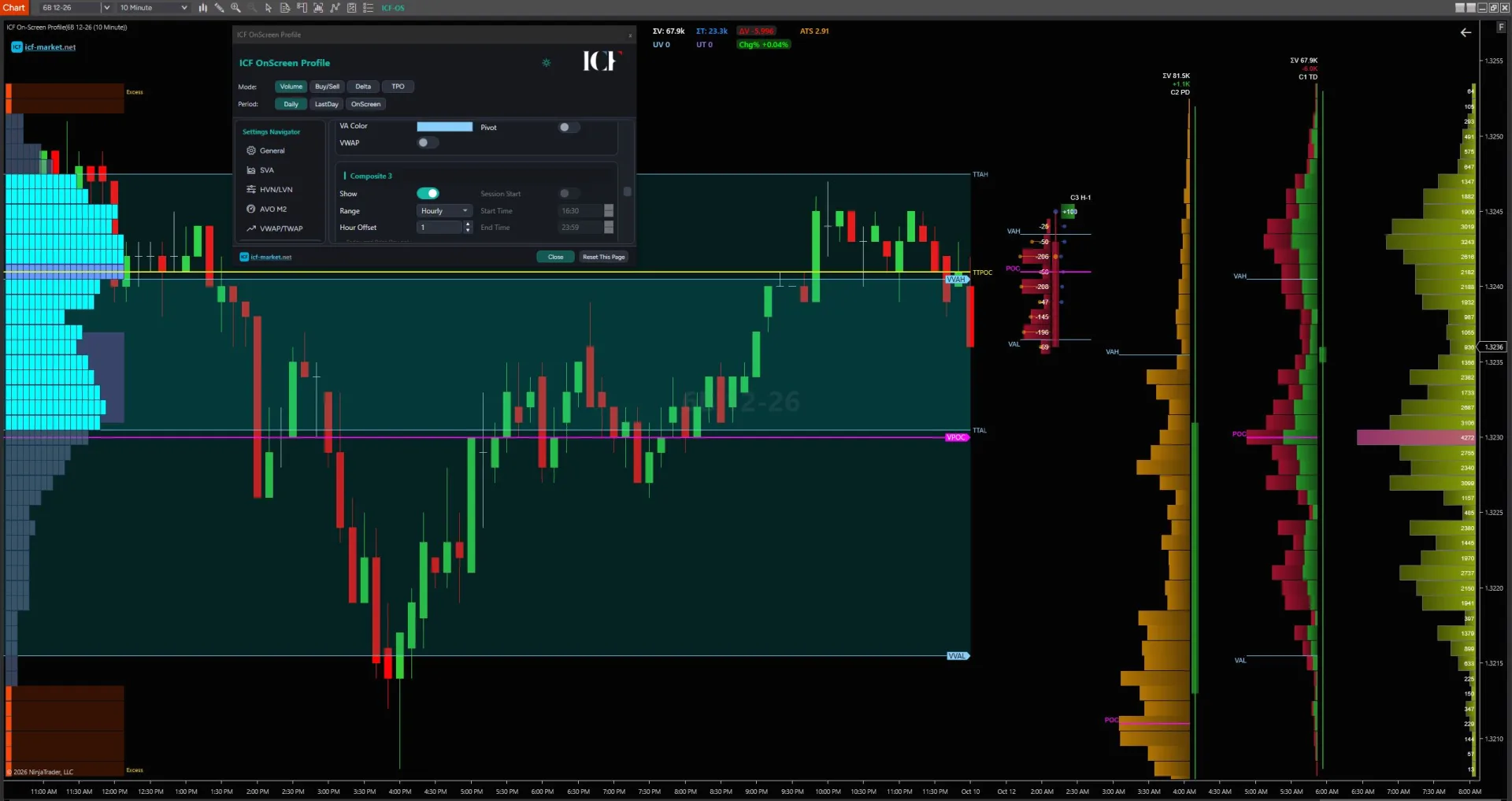
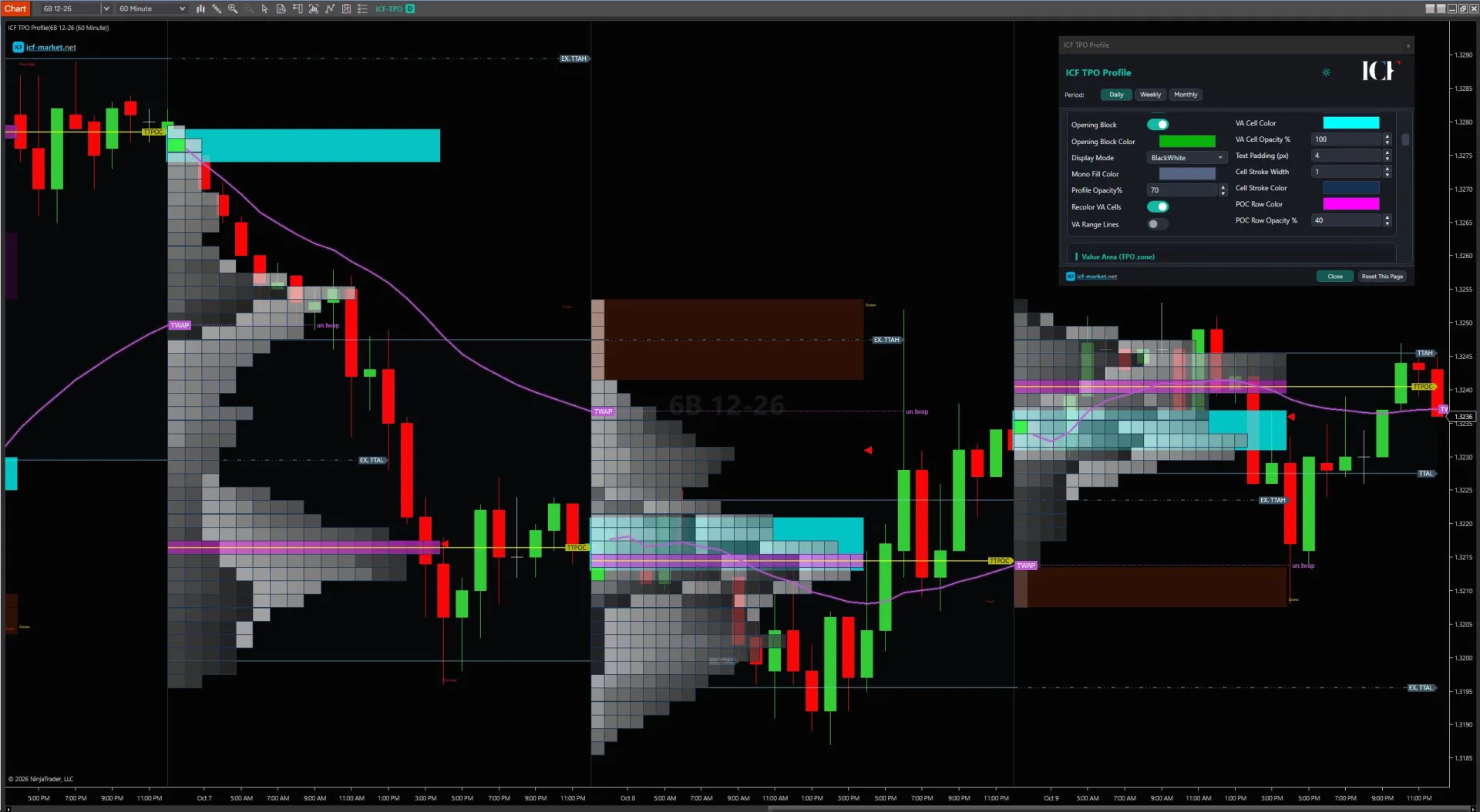
ICF Market NinjaTrader Market Profile (TPO) Indicator
A Market Profile/TPO chart organizes a session or selected range by **time at price**. Each Time Price Opportunity represents a price being present during a defined time bracket, commonly displayed as letters or blocks. The result is a structural view of where price spent time—not a record of how much volume traded at each price.
NinjaTrader Desktop already provides a native route through **Order Flow Volume Profile**, which includes a **Price Profile** display using letters or blocks across 30-minute windows. A third-party NinjaTrader Market Profile indicator is therefore not automatically necessary. It becomes worth evaluating when your profile boundaries, bracket controls, session handling, retained reference levels, or other workflow requirements are not covered well enough by the native implementation.
ICF TPO Profile is one third-party option inside the **ICF Volume Profile Pack**. It is relevant when its specific TPO workflow matches what you need; if NinjaTrader's native Price Profile already does the job, staying native is a valid choice.
The ICF Volume Profile Pack includes ICF Volume Profile, ICF On-Screen Profile and ICF TPO Profile. The TPO component is relevant when you need a configurable Market Profile workflow beyond what your current NinjaTrader setup already provides. Review the current product record for product-specific details and commercial terms.
What a TPO Market Profile chart is measuring
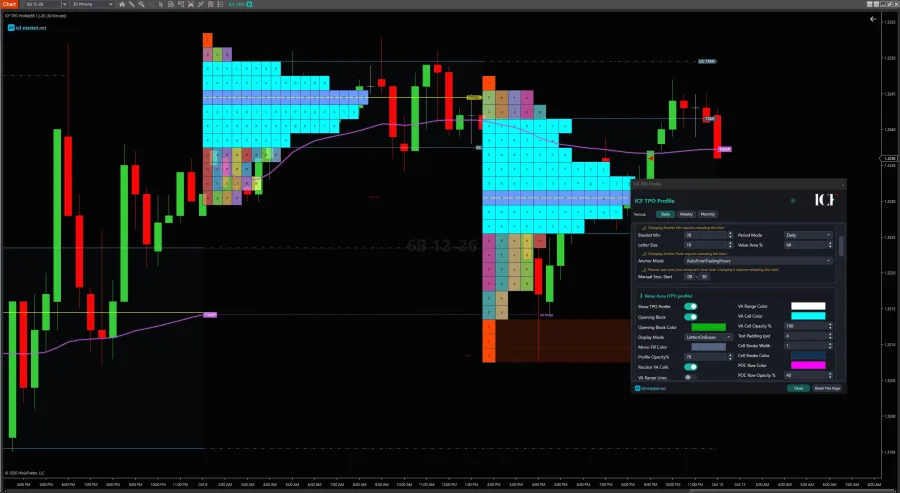
TPO stands for Time Price Opportunity. A TPO profile divides time into brackets and records the price levels that occurred during each bracket. Classic Market Profile presentation assigns letters or blocks to those observations, producing a distribution that shows where price spent more or less time during the profiled period.
That structure can also organize profile references such as TPOC / Point of Control, Value Area with VAH/VAL, Initial Balance, and single prints. Their exact construction and display depend on the tool and profile settings you are using.
These are analytical structures, not guaranteed support, resistance, reversal or continuation signals. A profile describes how the selected session or range was organized; it does not guarantee what price will do next.
The construction settings matter. Changing the session boundary, trading-hours template, profile period or bracket duration can change the profile you are analyzing. That is why choosing a TPO tool is partly a workflow decision, not just a question of whether it can draw letters on a chart.
NinjaTrader already has a native Price Profile path
NinjaTrader documents a native Market Profile-style route inside Order Flow Volume Profile. Its Price Profile type can display price-profile letters or blocks across 30-minute windows, so it is inaccurate to frame NinjaTrader as having no native path for this kind of chart.
That baseline should be the first comparison point. If the native Price Profile gives you the profile construction and chart workflow you need, adding another indicator may only add complexity.
If you are evaluating the native route, check NinjaTrader's current Order Flow+ access and account/pricing terms directly. Those commercial/access conditions can change, and current official NinjaTrader documentation should govern the final decision rather than an old entitlement rule repeated by a third party.
Native or third-party TPO? Compare the workflow, not the feature count
A useful comparison starts with the profile you are trying to construct. Avoid choosing a tool because one product lists more features; compare the variables that affect your actual chart workflow.
| Workflow question | Why it matters |
|---|---|
| How is the profile bounded? | A session, manual range, trading-hours template or longer period can produce a different analytical context. |
| Can you control the bracket duration you need? | TPO structure depends on how time is divided. A fixed interval and a configurable interval are different workflows. |
| Which periods can the tool profile? | Daily, weekly, monthly and manually anchored profiles serve different review and context tasks. |
| How are letters or blocks presented? | Presentation affects readability when you are comparing distributions, references and developing structure. |
| Which profile references remain visible? | TPOC, Value Area, Initial Balance, single prints or other retained structures may matter to your process, but only if you actually use them. |
| What session controls are available? | Trading-hours and manual-session handling determine where the profile starts and stops. |
| What data/history does this exact implementation require? | Requirements are tool-specific. Do not assume that every TPO implementation has the same tick-data, replay or depth-of-market requirements. |
The decision can still be “use the native tool.” A third-party indicator earns its place only when it solves a real construction, session, display or reference-management requirement in your workflow.
TPO is not Volume Profile
Market Profile/TPO and Volume Profile can look related because both distribute information vertically by price, but they answer different measurement questions.
TPO / Market Profile organizes time-price occurrences. It shows where price was present across the chosen time brackets.
Volume Profile organizes executed volume at price. It shows where trading volume was recorded across price levels.
Neither measurement is a substitute for the other by definition. If your primary question is volume-at-price rather than time-at-price, use the dedicated NinjaTrader Volume Profile page for that tool-selection path instead of forcing a TPO chart to answer a volume question.
When ICF TPO Profile becomes relevant
ICF TPO Profile is part of the current ICF Volume Profile Pack and uses classic letter-form, time-bracket profiling. It becomes relevant when its profile controls match a workflow requirement you cannot satisfy—or cannot satisfy cleanly—inside your current NinjaTrader setup.
The current ICF product record documents TPO capabilities including:
- configurable bracket minutes
- Daily, Weekly and Monthly profile periods
- trading-hours or manual session anchoring
- TPO Value Area and TPOC
- Initial Balance and Opening Range
- single prints and mid singles
- poor highs/lows and excess markers
- untested TPO levels
- TWAP